1:14
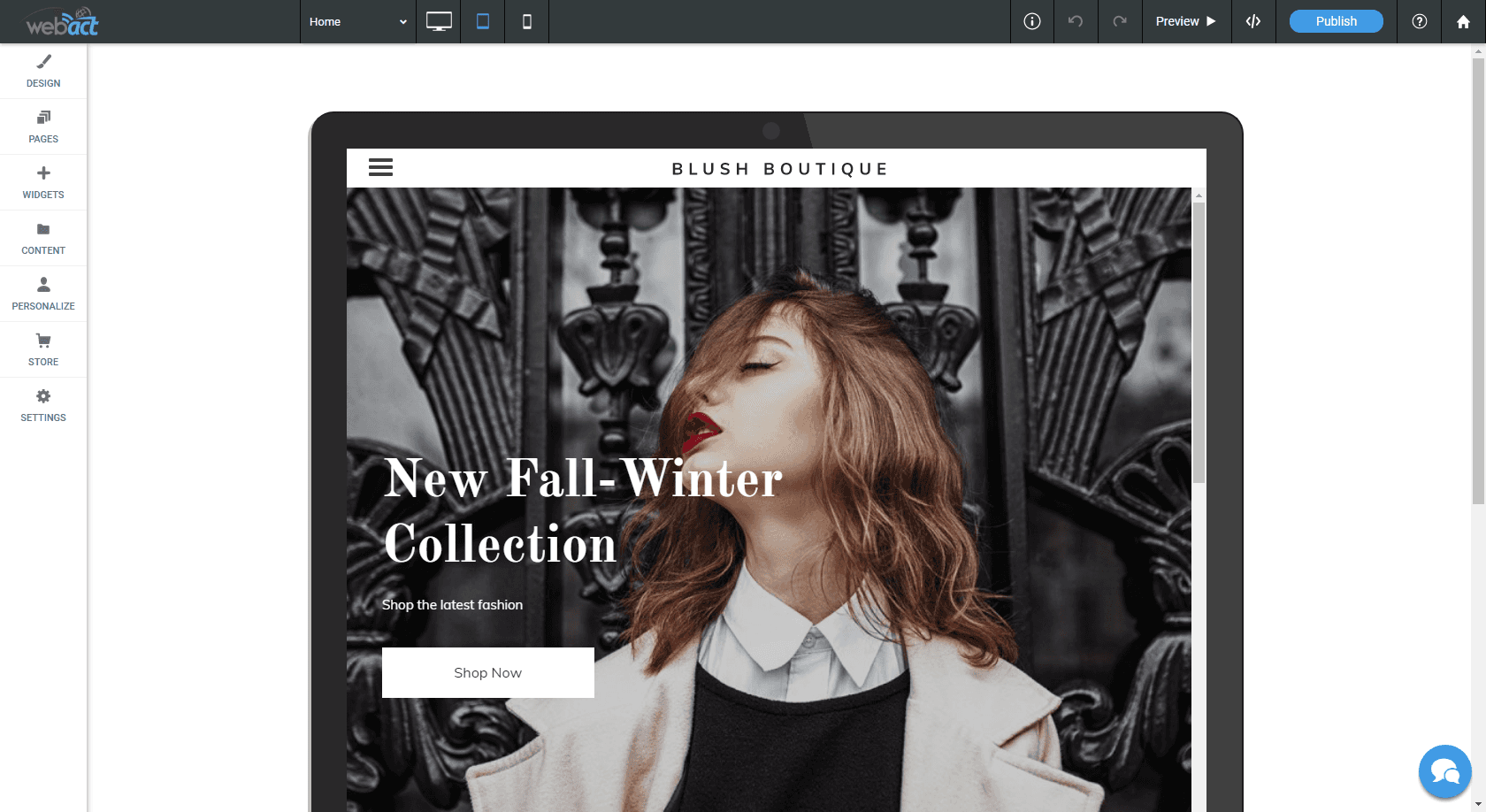
Basic Editor Tour
A quick overview of the editor so customers know where the main tools live.
Video Help
Watch WebAct how-to videos for website editing, publishing, mobile updates, widgets, and common support tasks.
WebAct Video Library
This page embeds each WebAct how-to video directly into the redesigned site, so customers can watch support videos without leaving the WebAct help structure.
Embedded Videos
Choose the specific walkthrough you need and watch it directly on this page.
1:14
A quick overview of the editor so customers know where the main tools live.
1:46
Step-by-step help for opening a page and making everyday edits.
0:46
Guidance for updating global colors, fonts, and shared design settings.
0:47
Shows how to adjust the header area visitors see first.
0:54
Walks through menu updates and navigation changes.
1:21
Explains how to organize, manage, and work with website pages.
0:30
A short guide for keeping website content current.
0:26
Focused help for changing text on a website page.
2:00
Shows how blog content can be added and managed.
Video Support
The how-to videos sit alongside WebAct's website knowledge base, widget knowledge base, FAQ, and support contact paths.
Browse by Need
Quick walkthroughs for common website editor tasks and everyday page updates.
Help for changing content, managing images, and keeping website information current.
Guidance for owners who need to make updates from phones, tablets, or on the go.
Support for previewing, publishing, republishing, and checking website changes.
Video help for visual elements, media widgets, and useful website enhancements.
A convenient path from video help into the website and widget knowledge bases.
Need More Help?
Customers can move from a video into support articles, widget documentation, FAQ answers, or a direct WebAct support conversation.