Start Free
Begin building before publishing. Your work is saved as you go.
Build Your Website Simplified
Start a simple website quickly, customize a template, and publish when you are ready for hosting and domain connection.
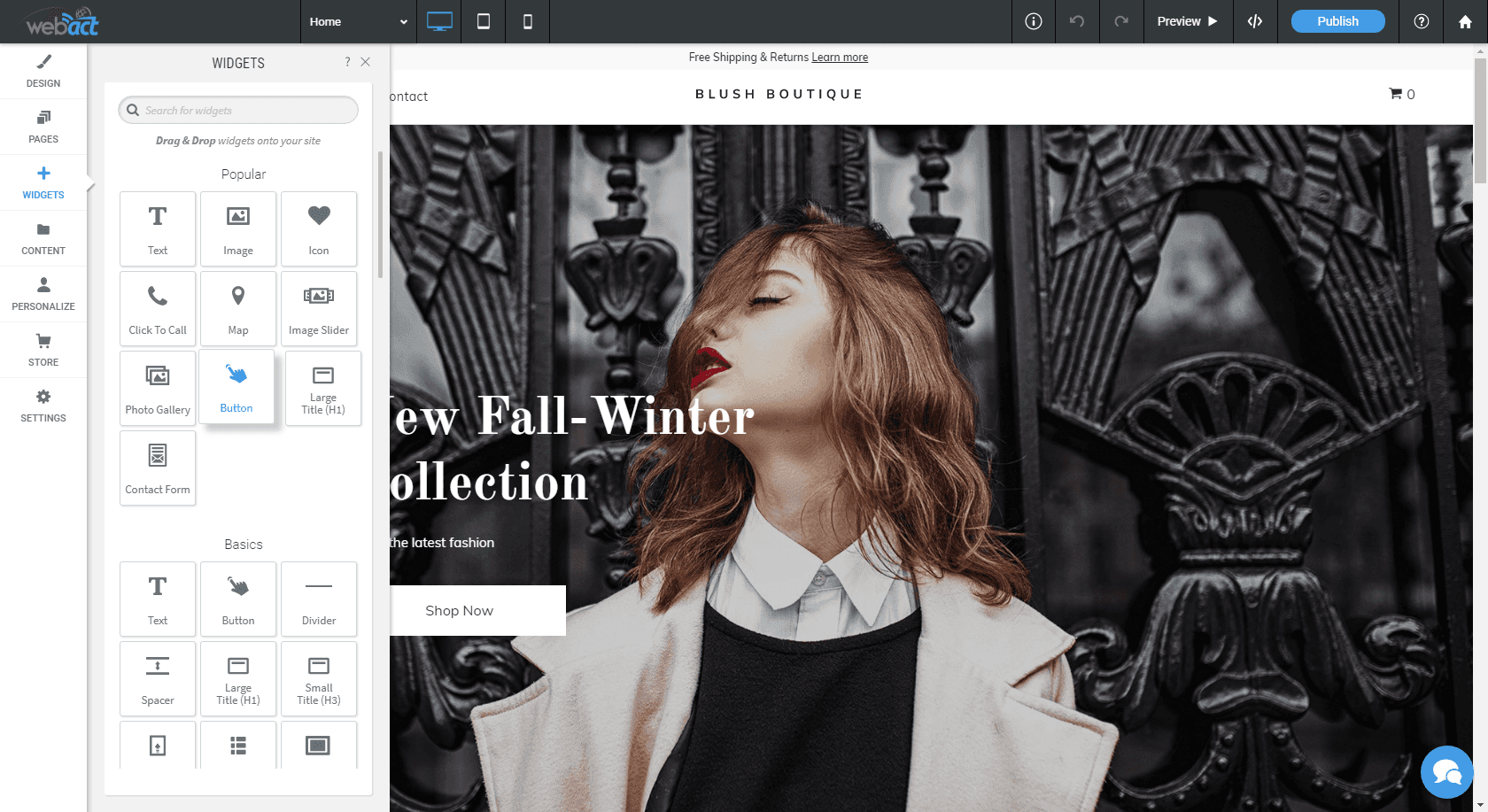
Simple Website Editor
Choose a template, answer a few questions about your business, add your logo or business name, select a style, and continue editing from your WebAct dashboard. The simple editor is built for owners who want to get a starter website moving without waiting on a full design process.
Begin building before publishing. Your work is saved as you go.
Update the template, business details, images, pages, and style choices.
When ready, choose website hosting and connect your domain to WebAct servers.
Create Website
Use the quick intake form to start the builder flow, share the basic business details, and move into the WebAct website editor with the right setup information ready.

Publishing
When you publish, choose one of WebAct's hosting plans so the site can go live.
View design pricingConnect an existing domain or register a new domain and point it to WebAct servers.
View domainsContinue editing after launch by logging into the WebAct website dashboard.
Open dashboard